Thirty days is enough to put a real product in front of real users. It isn't enough to build everything you have in mind, and that is the point. A first version exists to find out whether people want the thing, so every week you spend on features nobody asked for is a week without that answer.
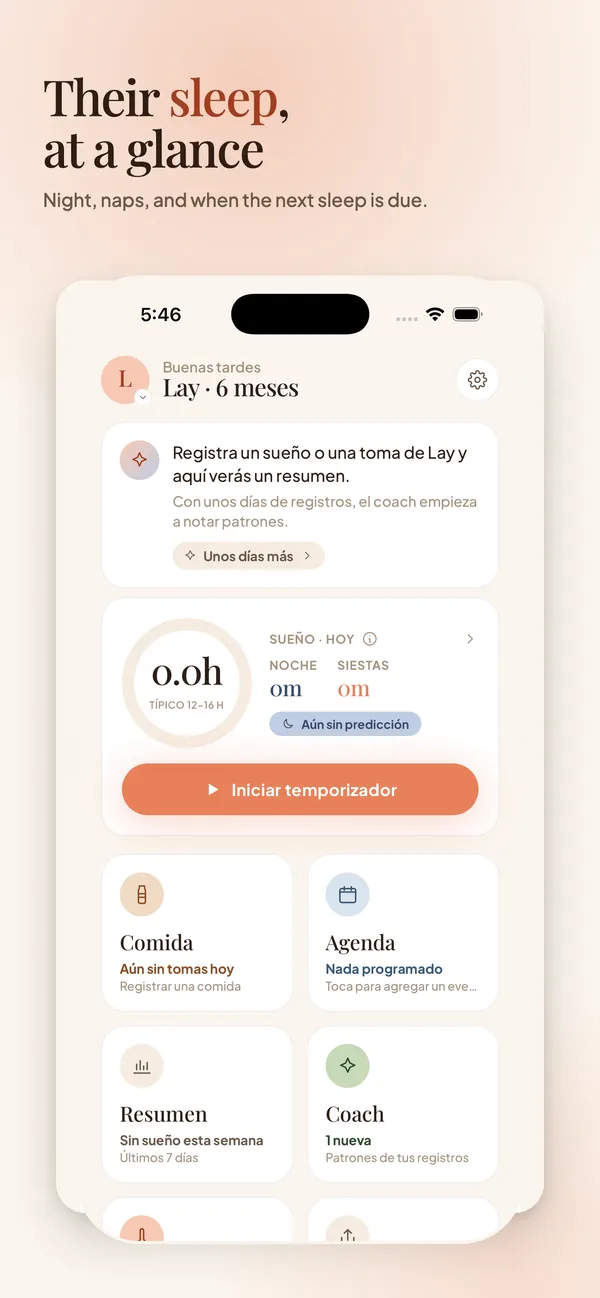
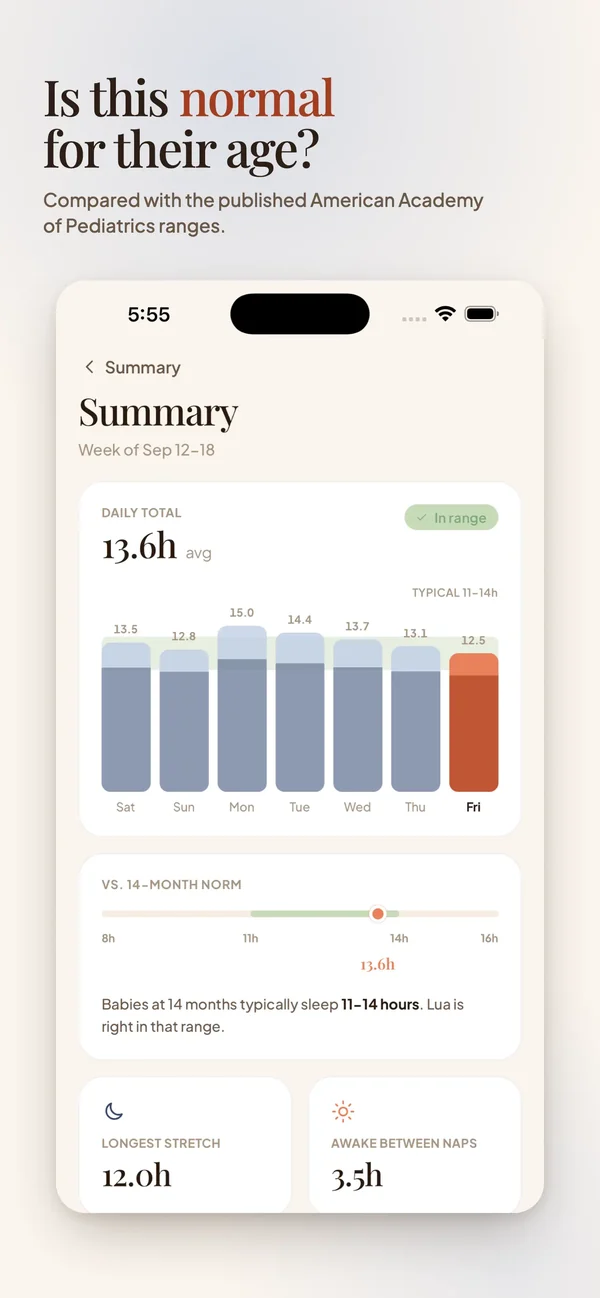
This is the plan we follow with new products, including Lyapp, the baby tracker we published on the App Store.
Why most MVPs run late
Projects rarely slip because of one big mistake. They slip one reasonable request at a time: a settings screen, a second sign-in method, an admin panel for later. Each addition looks small. Together they push the launch by weeks, and the team still hasn't learned anything from users.
Late MVPs usually share a missing decision. Nobody wrote down what the product does first, so there is no way to say no.
Write the one job down
Before any design we write one sentence: who the product is for and the single job it does for them. For Lyapp it was logging a baby's sleep and feeds with one hand at 3 a.m. That sentence decided a lot. The timer had to start with one tap, the main screen had to show today at a glance, and anything that needed two hands could wait.
Keep the sentence where the whole team can see it. When a new idea comes up, check it against the sentence before discussing how to build it.
Split the list: launch and later
Now list everything the product could do and sort it into two columns. Launch holds only what the one job needs. Later holds the rest, and it stays visible, so nothing feels lost. Accounts, cloud sync and admin tools tend to land in later, and on day one nobody misses them.
A 30-day plan, week by week
With the scope settled, the month splits into four blocks. They overlap a little in practice, but the order matters: decisions first, then screens, then code, then real devices.
- Week 1: discovery and a written spec with the launch list, the main user flow and the success metric.
- Week 2: clickable designs for the main flow, reviewed with two or three people who match the user.
- Week 3: build the main flow end to end, with real data, even if the edges are rough.
- Week 4: test on real devices, fix what blocks the main flow, publish and set up basic analytics.
What to measure after launch
Pick one number tied to the job. For a tracker it could be how many people log something on their second day. For a store it could be repeat purchases. Downloads and visits tell you about marketing; the number tied to the job tells you whether the product works.
Ship, then improve
Lyapp's first version reached the App Store on August 29. Version 1.1 followed on September 21 with support for several babies, temperature logging and a timer you can pause. Keeping the first release small made room to plan the second one around how people actually use the app.